Discover your aura color
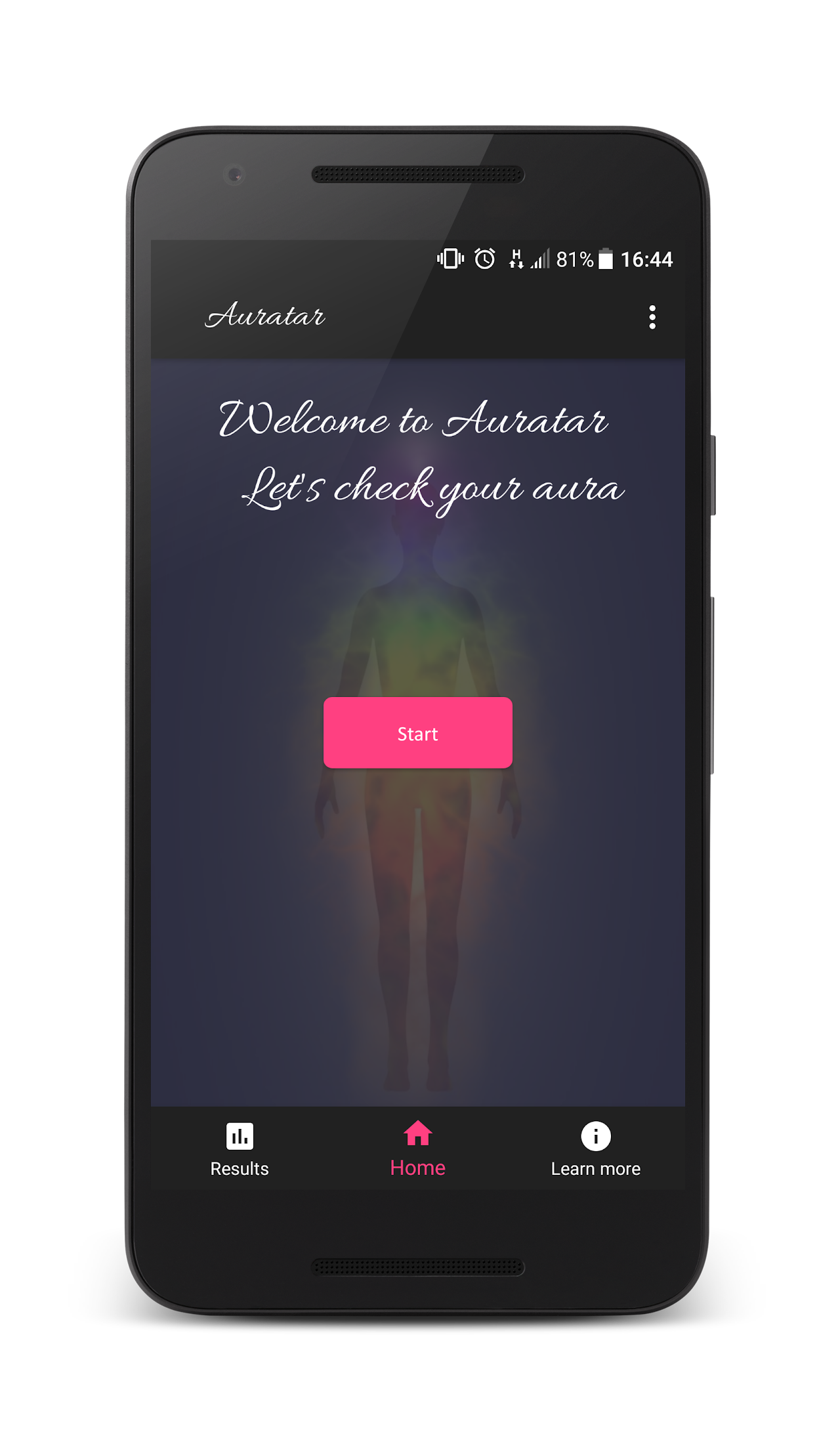
Start with a quick aura snapshot or take the full questionnaire for a deeper reading. Save your results, revisit them over time, and explore what each aura color says about your current energy.
Auratar has these features
- Start with a Quick Test for a fast aura snapshot whenever you want a lightweight check-in.
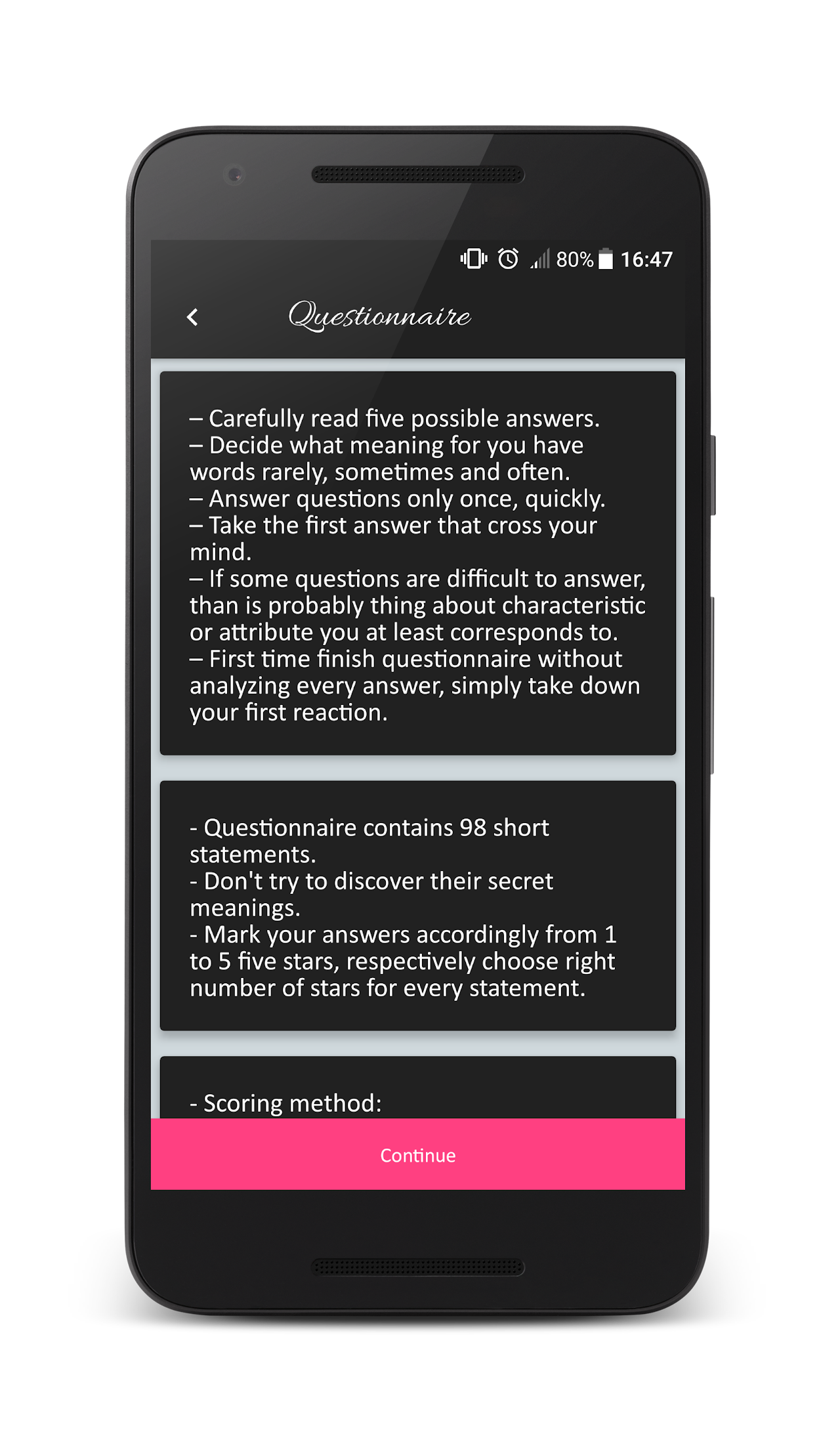
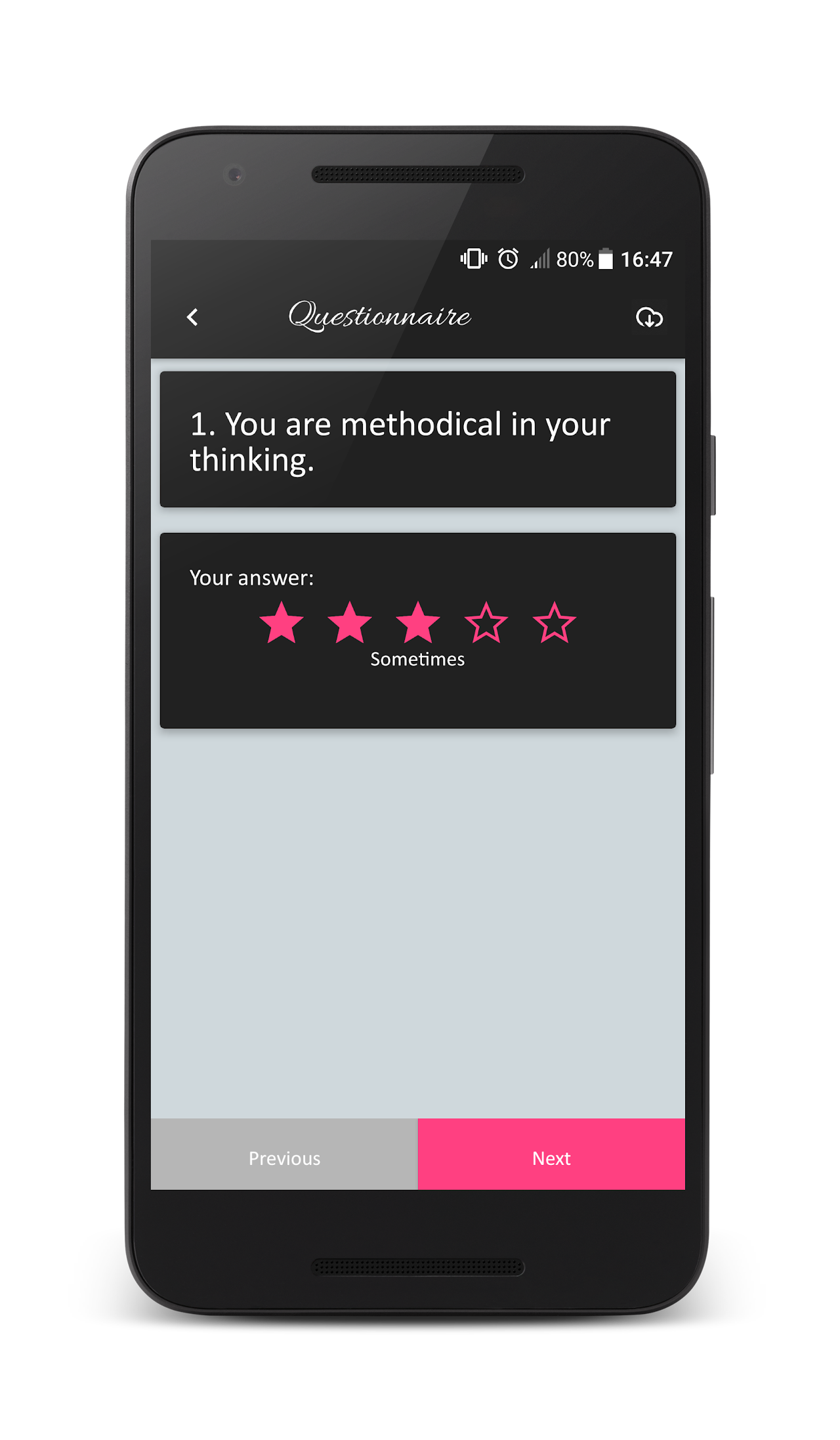
- Take the Full Test for a deeper reading with more questions and richer guidance.
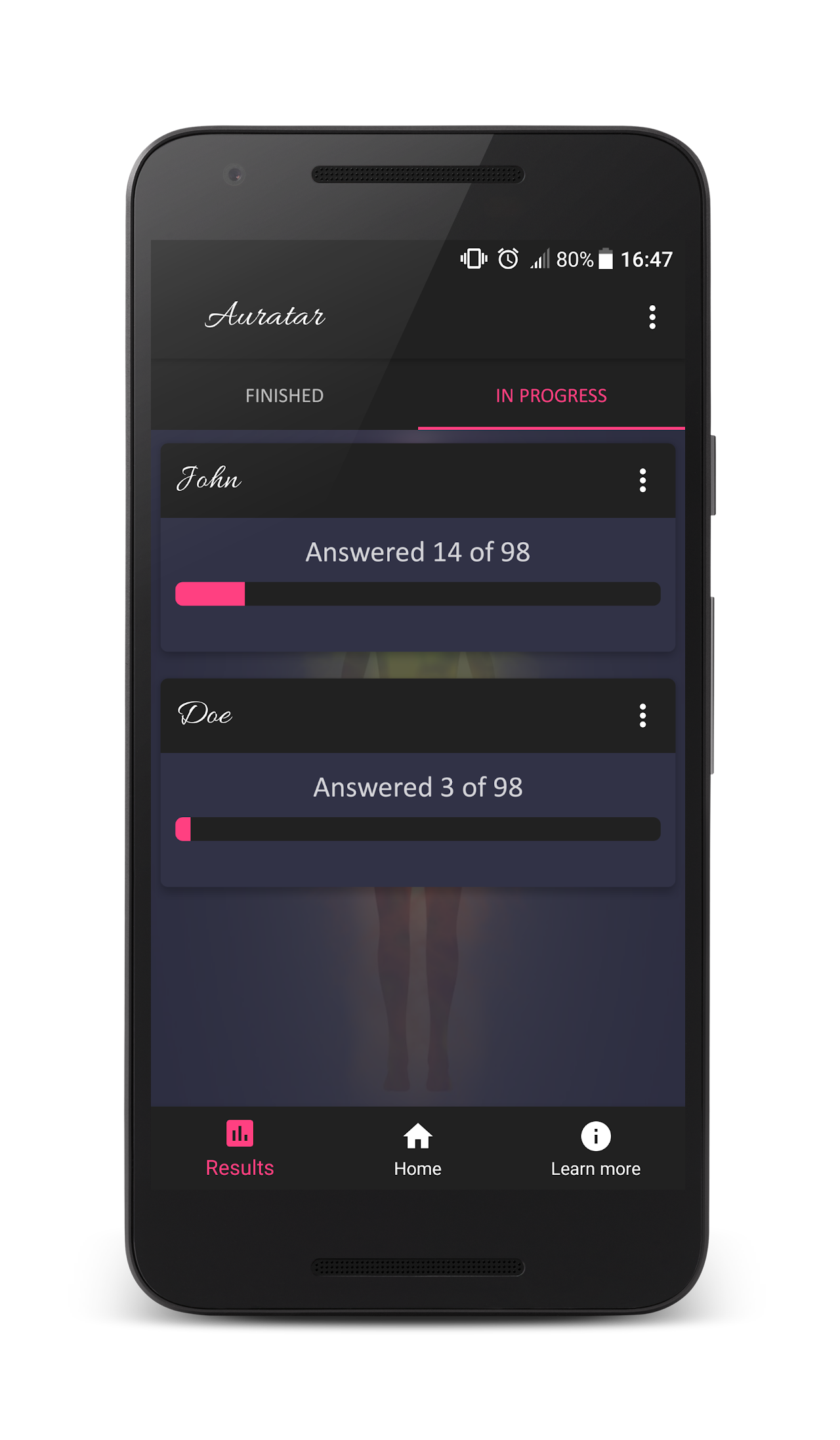
- Save drafts and finished readings locally so you can return anytime.
- Compare saved results over time and track how your aura mix shifts.
- Explore aura colors, meanings, and patterns in the Learn More section.
Give it a try — your aura is waiting to be discovered.
Why I built this
I built Auratar to explore how lightweight onboarding can still feel personal. The goal was to make a calm self-reflection app that gives you a fast entry point with Quick Test, a deeper path with Full Test, and a simple way to revisit how your aura changes over time without account walls or noisy growth loops.
Privacy first
Auratar is ad-supported via AdMob, but your questionnaire answers stay on your device and are not used for profile-based account tracking.
Read the full privacy policy →App screenshots
Contact
General: edin@edse.dev
Support: support@edse.dev
Privacy: privacy@edse.dev